
Create a setup link
A setup link is a URL you create for one customer. Their cloud admin opens it and sets up your software in their own cloud from the deployment portal, a white-labeled setup page Alien hosts on your own domain.
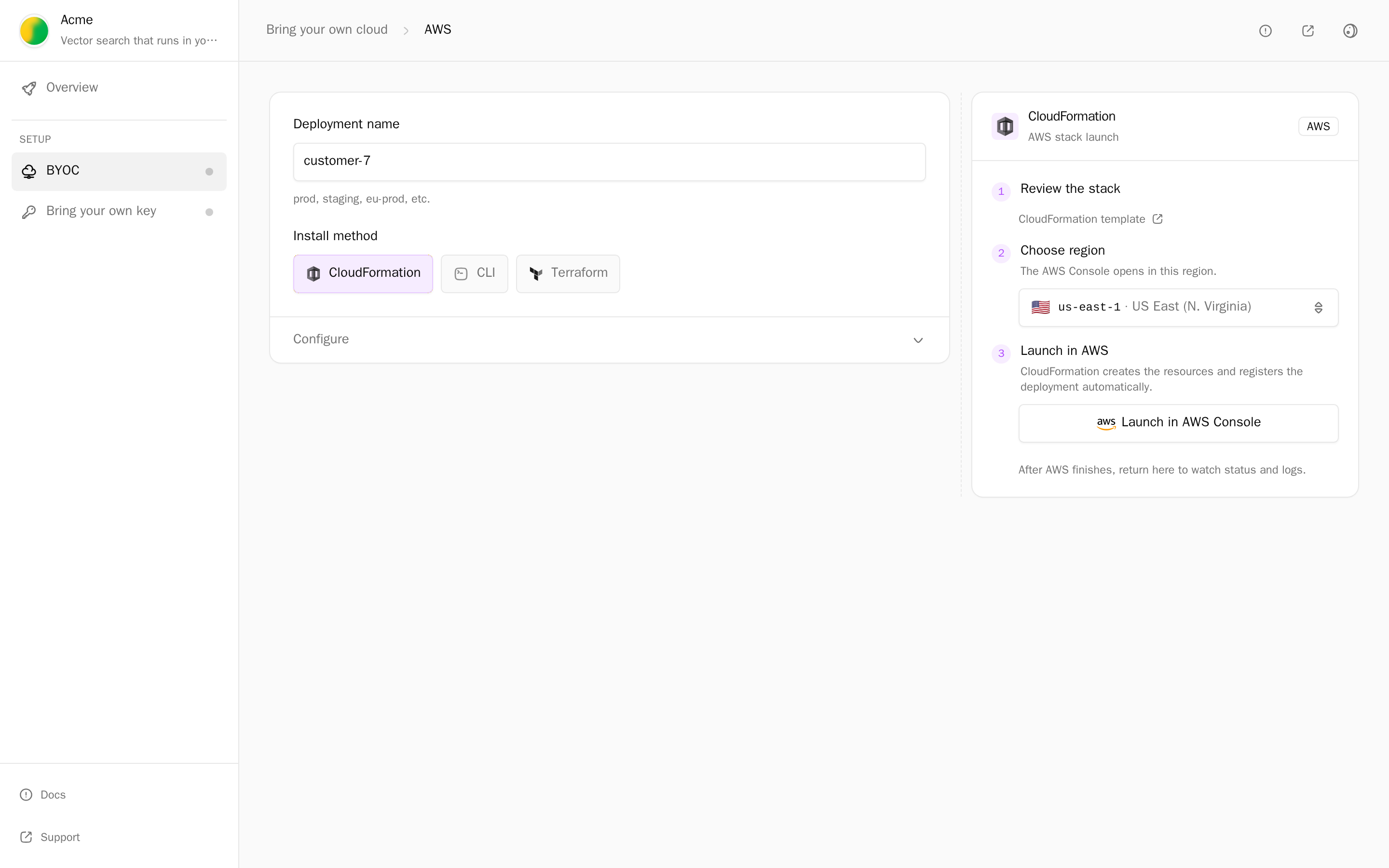
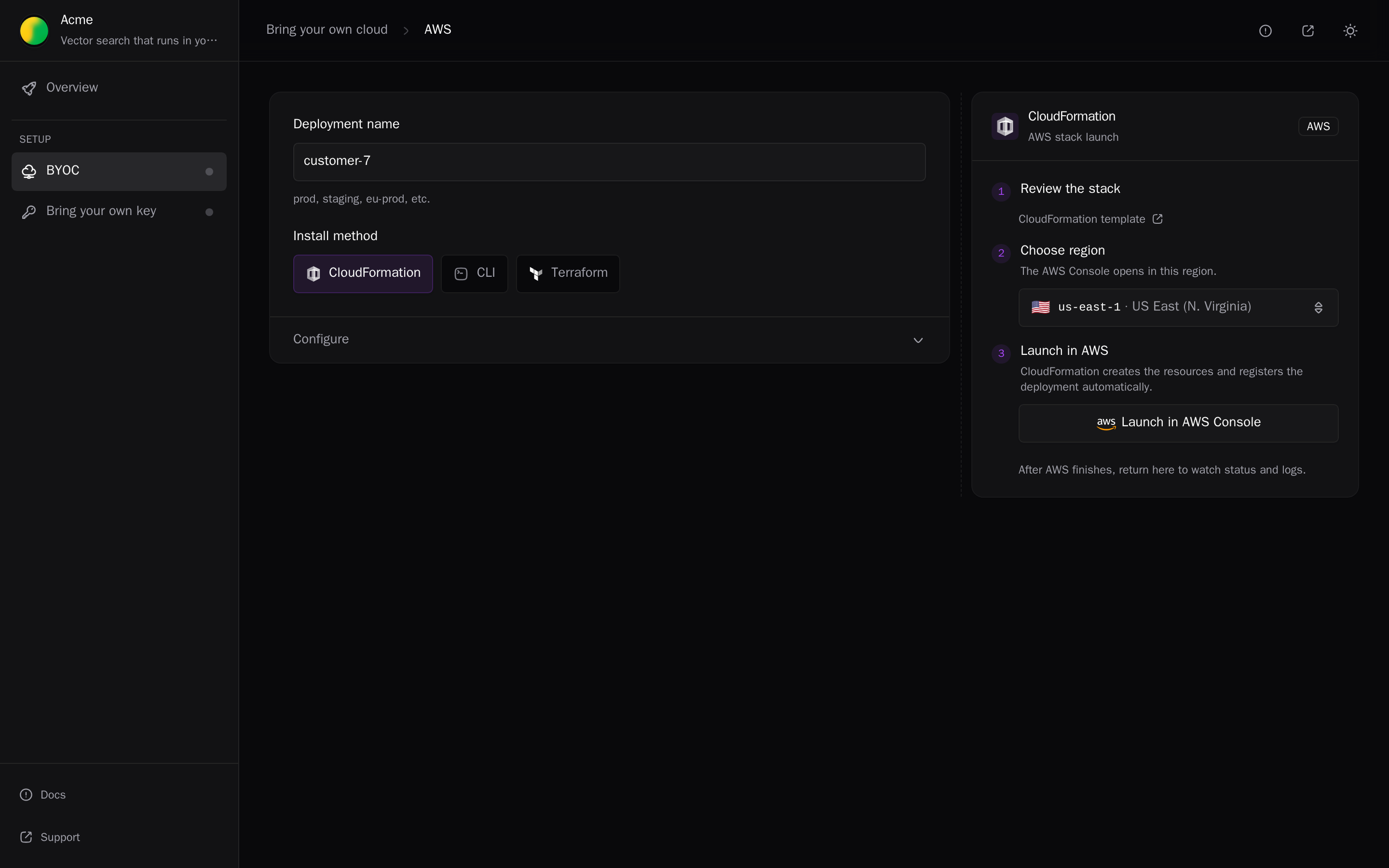
Two of the Deployment UX options use setup links:
- Send a link. You create the link in the dashboard or CLI and send it. You write no code. This page covers it.
- Launch from your product. Your backend creates the link through the API when a customer clicks Deploy. See Add a Deploy button.
The dashboard calls the link the Deployment link, and the API returns it as deploymentLink. Opening it starts the initial setup; the new deployment then shows up in your dashboard.
How a link works
The link has the form https://<portal domain>/deploy#<token>. Its token can create deployments for one customer, and nothing else.
- Alien keeps one deployment group per customer: its record of that customer's deployments and links.
- You find the group by its external ID, your own ID for that customer.
- The token sits in the URL fragment, so browsers don't send it to servers in requests or
Refererheaders.
In the dashboard
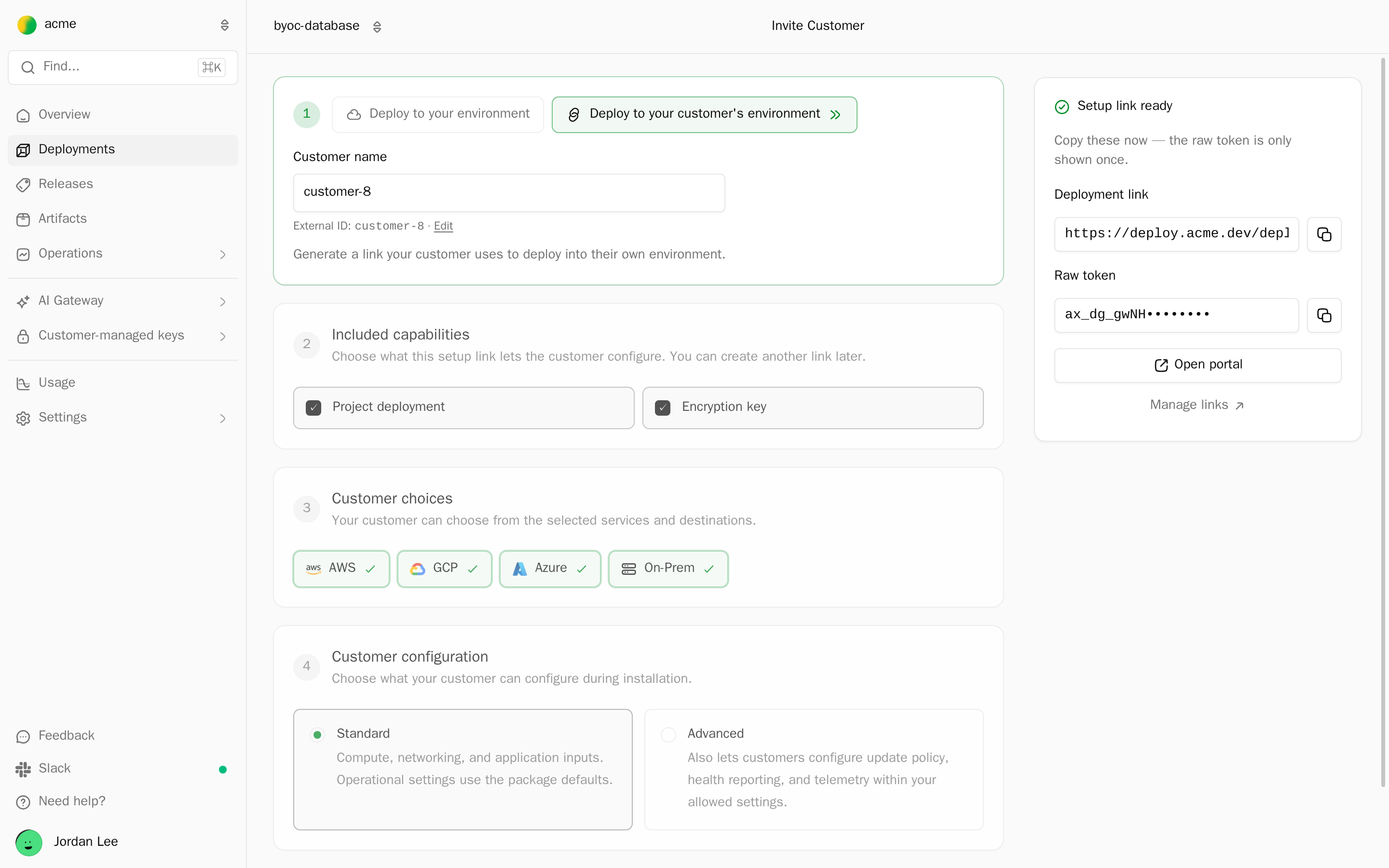
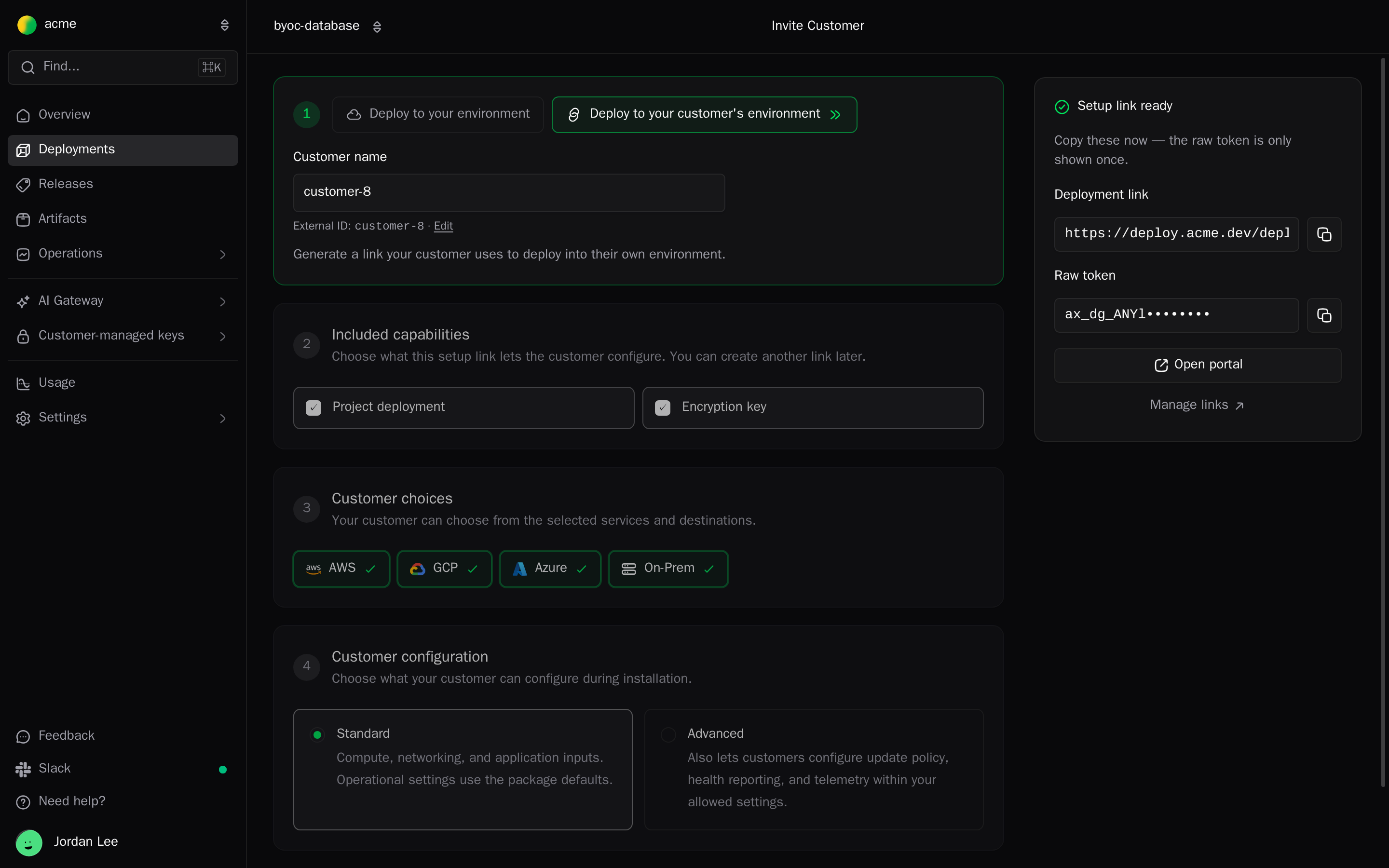
- Open Deployments and click Deploy release.
- Choose Deploy to your customer's environment.
- Enter the Customer name. The External ID defaults to a slug of the name. Click Edit to use your own tenant ID. It is case-sensitive.
- Work through the steps that apply to your project:
- Included capabilities: what the link sets up. Shown when the project offers more than the application.
- Customer choices: the Cloud destinations (AWS, GCP, Azure, On-Prem, Local) and AI providers the customer may pick.
- Customer configuration: Standard or Advanced. See Options.
- Required inputs: values you provide now. The customer fills in their own inputs in the portal.
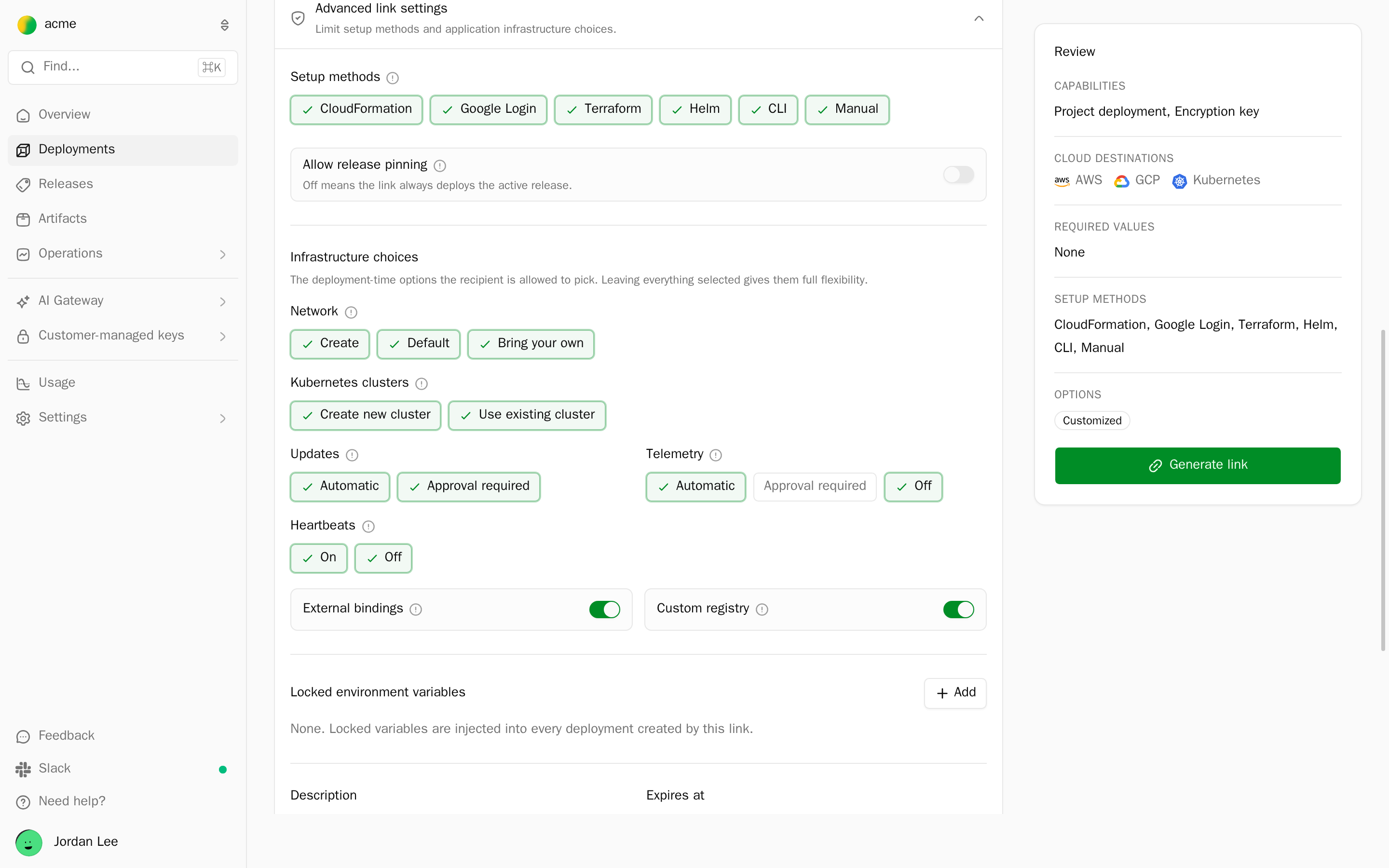
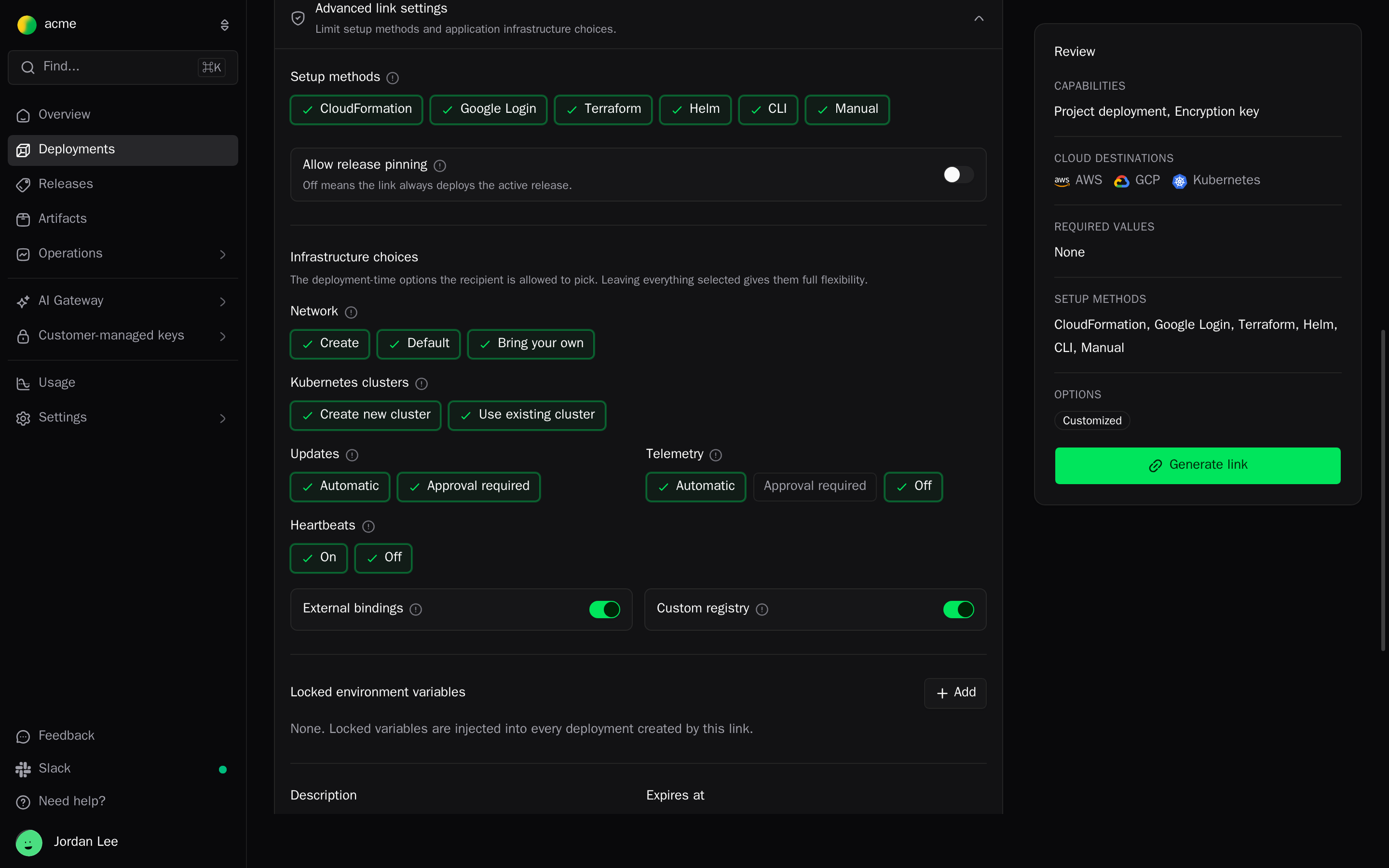
- Advanced link settings: setup methods, release pinning, infrastructure choices, locked environment variables, description, expiry, and max deployments.
- Check the Review panel and click Generate link.
- Under Setup link ready, copy the Deployment link. The token is shown only once. Open portal opens the link in a new tab, so you can see what the admin sees.
From the CLI
alien onboard creates the deployment group and prints the link. Without --json, it prompts for missing values:
alien onboard customer-1 \
  --external-id org_8f2k \
  --platforms aws,gcp \
  --input region=eu-west-1 \
  --env LOG_LEVEL=info \
  --max-deployments 1 \
--json{
"deploymentGroupId": "dg_...",
"name": "customer-1",
"externalId": "org_8f2k",
"deploymentLink": "https://deploy.acme.com/deploy#...",
"setupItems": ["application"],
"readiness": "setup_pending",
"maxDeployments": 1,
"platforms": ["aws", "gcp"]
}A link from alien onboard allows every setup method and never expires. To restrict methods or set an expiry, create the link in the dashboard.
Running alien onboard again with the same --external-id reuses the customer's deployment group and mints a new link.
From your backend
To create links from your own product, for example when a customer clicks Deploy in your cloud on your settings page, call POST /v1/deployment-groups/setup-links with a server-side API key. It takes the fields in Options. Add a Deploy button walks through it.
Send it to the admin
Send the link to the person who can create resources in the customer's cloud account. The admin doesn't need an Alien account. A short note is enough:
Here's the link to set up Acme in your AWS account:
https://deploy.acme.com/deploy#...It needs permission to create IAM roles in the account. Anyone with the link can set up a deployment, so please don't share it outside your team.
Deployment portal walks through the portal from the admin's side.
Options
| Dashboard | CLI | API field | What it does |
|---|---|---|---|
| Customer name | NAME | name | The deployment group's name, shown in the dashboard. |
| External ID | --external-id | externalId | Your stable ID for the customer. Defaults to a slug of the name. |
| Included capabilities | --setup-items | setupItems | What the link sets up. See Setup items. |
| Cloud destinations | --platforms | deploymentSetupConfig.policy.allowedPlatforms | Platforms the customer may pick. Defaults to every platform in the active release. |
| Customer configuration | policy.configurationProfile | standard: compute, networking, and inputs; operational settings use the package defaults. advanced: also update policy, health reporting, and telemetry. | |
| Required inputs | --input, --secret-input | inputValues | Values for developer-provided inputs. |
| Setup methods | policy.allowedSetupMethods | Setup methods the portal offers. | |
| Allow release pinning | policy.allowReleasePinning | Lets the customer pin a release on the deployment page. Off means the deployment always runs the active release. | |
| Infrastructure choices | policy.stackSettings | Network, Kubernetes cluster, update, telemetry, and heartbeat options the customer may choose. See Sizes and networks. | |
| Locked environment variables | --env, --secret | deploymentSetupConfig.environmentVariables | Injected into every deployment created from the link. |
| Description | description | Helps you find the link later. | |
| Expires at | expiresAt | When the link stops working. Empty means no expiry. See Link lifetime. | |
| Max deployments | --max-deployments | maxDeployments | Deployments the group may hold. Default 100. |
| Metadata | deploymentSetupConfig.metadata | Your own JSON, stored on the link. | |
entryPoint | The portal step to open first, for example { "item": "keys", "provider": "aws" }. Navigation only. | ||
--subdomain | deploymentSetupConfig.publicSubdomain | Reserves a public subdomain for deployments from this link. Needs a custom domain. |
The server checks every choice again when the admin runs initial setup, so restrictions don't depend on the browser.
Setup items
setupItems is "all" (every capability enabled for the project) or a list of up to 8 entries:
| Dashboard | CLI | API item | What the customer sets up |
|---|---|---|---|
| Project deployment | application | deployment | Your stack from the active release. Takes an optional releaseChannel. |
| AI models | models | models | Their AI provider account. See Local AI models. |
| Encryption key | keys | keys | A key in AWS KMS, Cloud KMS, or Key Vault. See Customer-managed keys. |
| Bucket | storage | bucket | A bucket or container. See Customer storage. |
| Container registry | registry | registry | A registry in their cloud. |
| Sandbox | sandbox | sandbox | Sandboxes in their cloud. See Remote Sandboxes. |
The CLI takes a comma-separated list, for example --setup-items application,keys, and defaults to application.
Each API entry takes required: initial setup isn't complete until every required item is done. Omit setupItems for a link that deploys your stack.
Policy values
| Field | Values |
|---|---|
allowedPlatforms | aws, gcp, azure, kubernetes, machines, local |
allowedSetupMethods | cloudformation, google-oauth, terraform, helm, cli, manual |
allowedKubernetesBasePlatforms | aws, gcp, azure, on-prem |
allowedKubernetesClusterSources | create, existing |
allowedAIProviders | aws-bedrock, gcp-vertex, azure-foundry, anthropic, openai, databricks |
stackSettings.allowedNetworkModes | none, create, default, byo |
stackSettings.allowedUpdatesModes | auto, approval-required |
stackSettings.allowedTelemetryModes | auto, approval-required, off |
stackSettings.allowedHeartbeatsModes | on, off |
stackSettings.defaults | Default compute sizes, network, endpoint access, updates, telemetry, and heartbeats |
Add a policy only when you must prevent a choice. Without one, the portal offers every platform the release supports and every method whose setup package is built.
Manage links
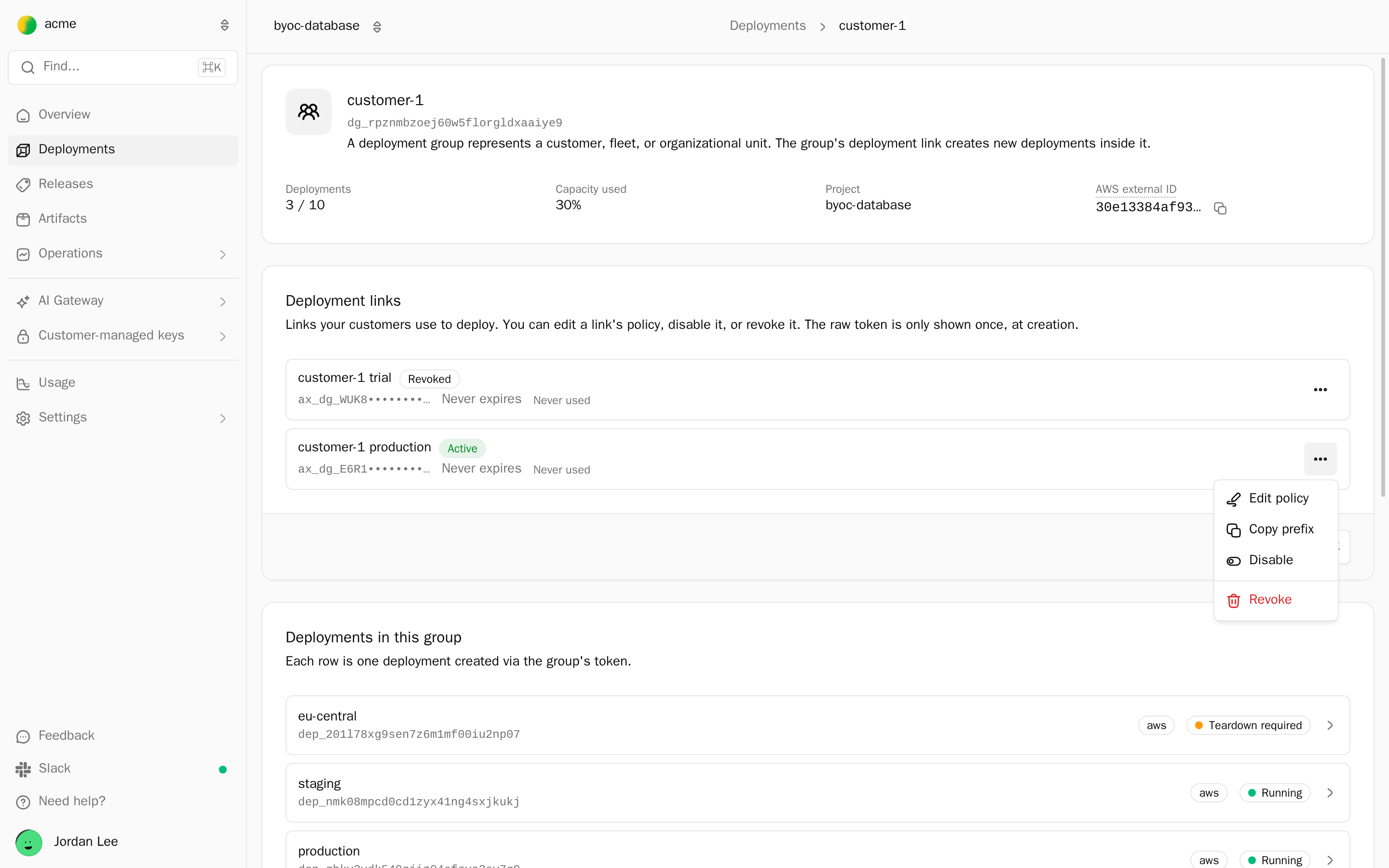
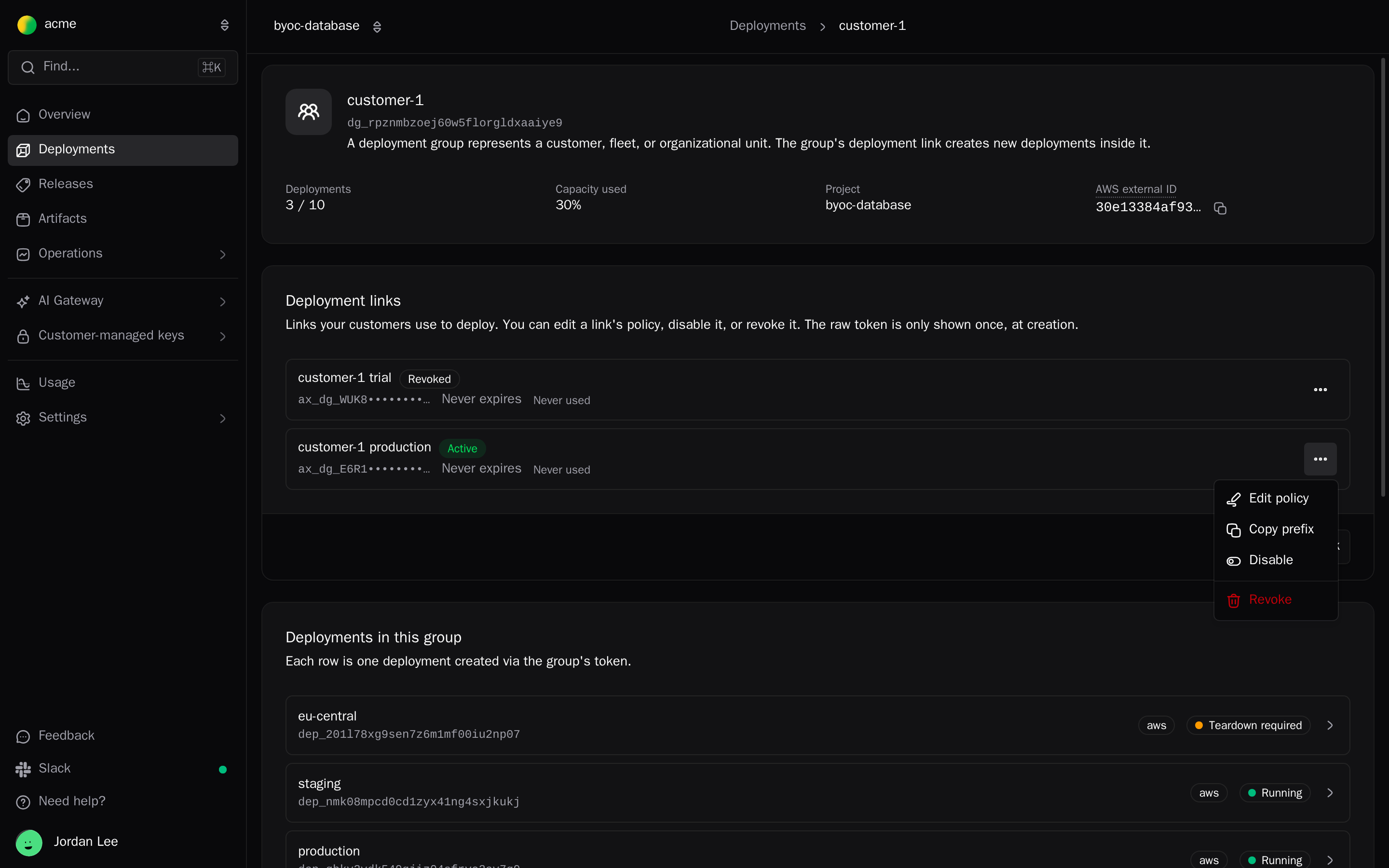
Each customer's links live on their deployment group page in the dashboard:
- Open the deployment group: click Manage links right after you generate a link, click the group's name on one of its deployments, or pick it from the deployment groups card on Overview.
- The Deployment links card lists each link as Active, Disabled, or Revoked, with its key prefix, expiry, and last use.
- From a link's menu, Edit policy changes what future setups may choose and keeps the same token. Disable pauses the link, and Revoke stops it for good.
- Generate new link creates another link for the same group.
From the CLI, list groups and look one up by name or external ID. To issue a new link for an existing customer, run alien onboard with the same --external-id.
alien deployment-groups list
alien deployment-groups get org_8f2k
Over the API, POST /v1/deployment-groups/{id}/tokens creates a link for an existing group, and GET /v1/deployment-groups/by-external-id?project=docproc&externalId=org_8f2k finds the group.
Link lifetime
A setup link authorizes the initial setup only. When the admin starts it, Alien creates the deployment first and gives the setup step a deployment token for that one deployment.
A CloudFormation stack or Terraform module keeps the deployment token, not the link's token, and uses it to register, update, and delete itself. So a link can expire or be revoked without breaking deployments it already created.
- To stop new setups, lower Max deployments, set Expires at, or revoke the link.
- If a link reaches the wrong person before any deployment exists, revoke it and send a new one.
- Older CloudFormation stacks launched with the link's own token can still be deleted after the link stops working, once Alien has removed the deployment's resources (status
teardown-requiredordeleted). Start the removal from your side first, then let the admin delete the stack. See Remove a deployment.
Next
- Deployment portal: the portal, step by step, as the admin sees it
- Brand the portal: white-label the portal the link opens
- Follow a deployment: status, retries, and removal
- Add a Deploy button: create links from your own product
Overview
What your customer's admin sees when they set up your software in their own cloud, and the three levels of building it into your product.
Deployment portal
A branded setup page Alien hosts for your customer's admin. They open one link, set up your software in their own cloud, and follow its status.