
Links and branding
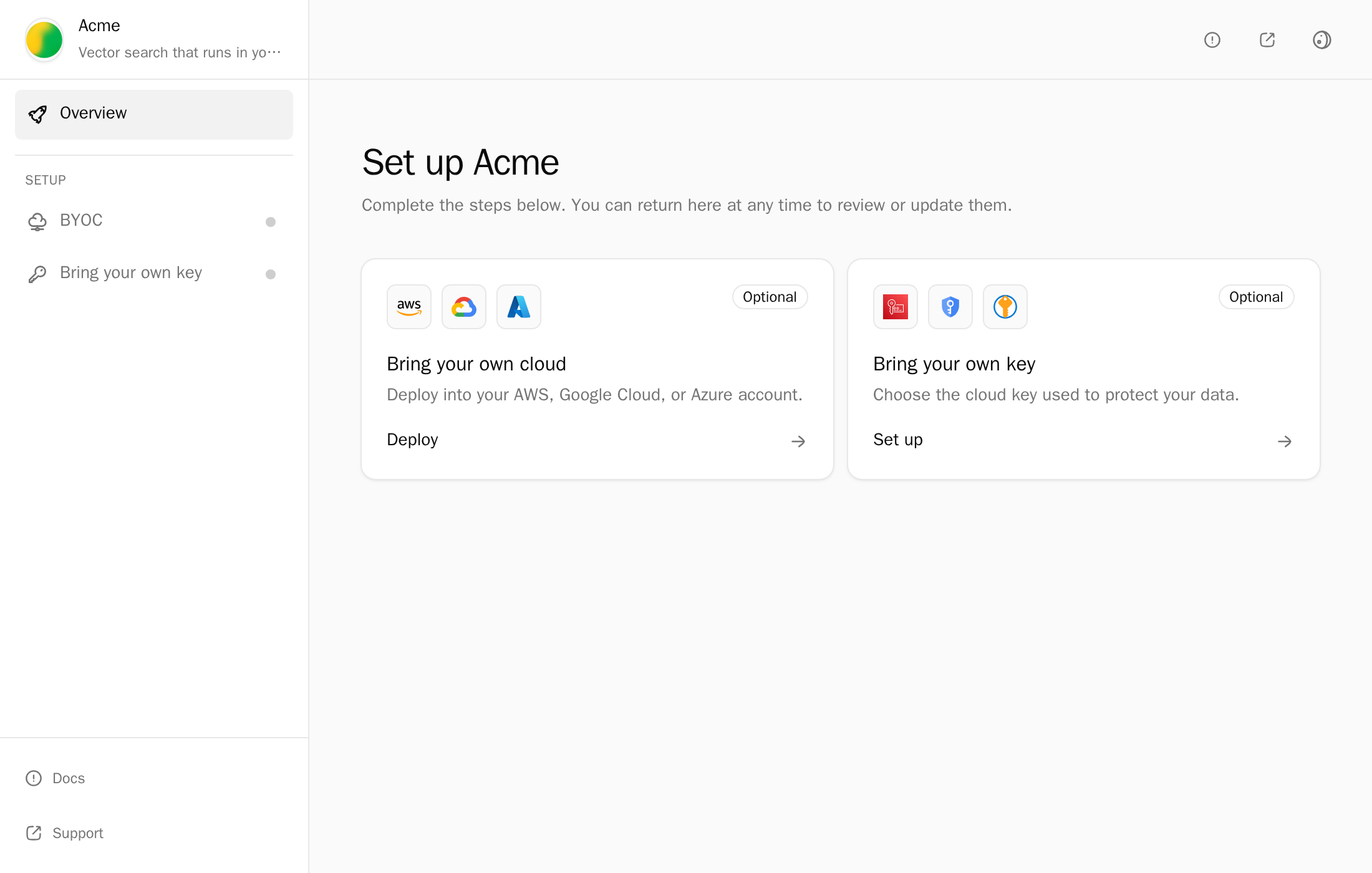
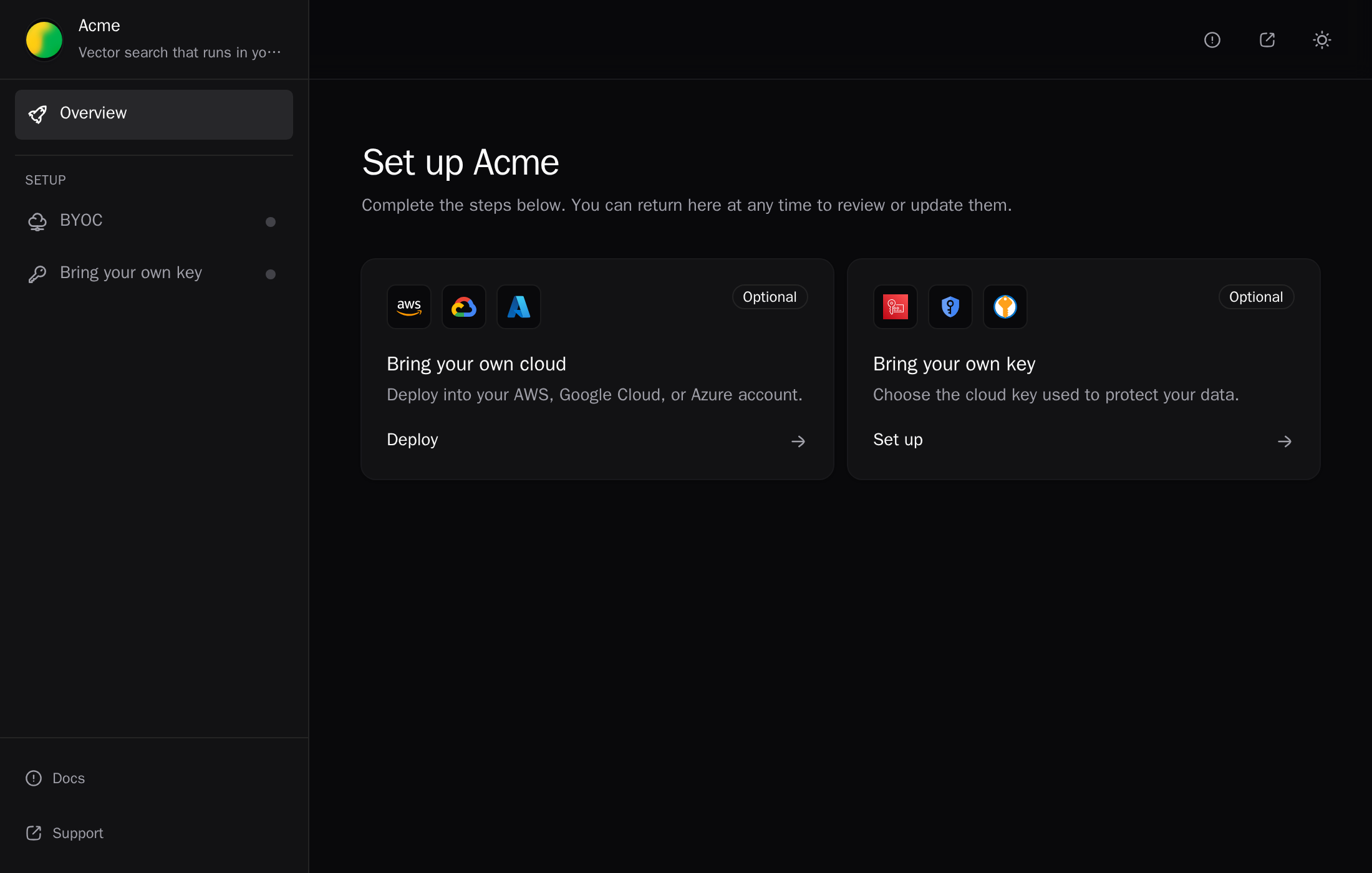
Before your first customer sets up a deployment, check the setup links you send and what their admin sees. Most checks apply when the admin uses the deployment portal: when you send a link, or launch the portal with a Deploy button. Some apply to your own setup screen too.
Setup links
A setup link only starts new setups. Each deployment gets its own token at initial setup, so expiry never breaks a running deployment. A long-lived link in someone's inbox can still set up a deployment in the wrong account.
- Expiry. When you send a link, set Expires at to a few days, and Max deployments to what the customer bought.
- On click. With a Deploy button or your own setup screen, create the link when the customer clicks, not when the page renders. Each call mints a new token.
- Recovery. Set
refreshUrlso an admin with an expired link lands on your page, signs in, and gets a new one. - Wrong person. Revoke a link that reached the wrong person before any deployment exists.
See Link lifetime.
Branding
- Portal. Set the title, logo, and accent color in Settings → Deployment Portal.
- Domain. Serve the portal and packages from your own domain, and wait for Active before you send links.
- Setup CLI. Rename it, for example
acmectl, so the commands the admin runs are branded too. This applies to your own setup screen as well. - Google sign-in. Add your own OAuth client, or Google's consent screen names Alien.
- Walk through it. Open a fresh link in a private window and set up a deployment as the admin would.
See Brand the portal.
Choices you offer
- Sizes, not raw CPU. Offer Small, Medium, and Large, and say what each includes. See Sizes and networks.
- Disks only grow. Don't let a smaller size shrink the disk. See Resize a deployment.
- Ask where callers run before you offer a network choice. An existing VPC needs outbound internet access from its private subnets, through a NAT gateway or equivalent.
- Ask once about endpoint access. It can't change after initial setup.
Removal
Removal has a step that belongs to the customer's admin, and it can take days. A Removed label shown too early leaves a stack, and cloud costs, in the customer's account.
- Switch traffic first, and say where the work goes now.
- Keep data by default. Ask in words before you send
action: "erase": it can't be undone. - No Cancel. A started removal can't be stopped.
See Remove a deployment.
Test it
- Open an expired link and check it lands on your
refreshUrl. - Open a link in a private window and check every screen shows your brand and domain.
- Remove a test deployment and check your page reaches Removed only after
deletedorretained.
Next
- Who acts next: name the actor in every state
- Status messages: the words to use
- Production go-live checklist: the rest of launch