
Roll out releases
A rollout moves your deployments to a new release, for every customer at once or for a few first. You move a channel, a named pointer to one release, and every deployment that follows it updates:
alien release                                   # build, then move production
alien deployments wait customer-1/us-east-1 --for ready- 1
Releaseyou
alien release builds, pushes images, and creates an immutable release.
- 2
Move a channelyou
The release advances production by default, or another channel you name, or none with --no-promote.
- 3
Deployments convergeAlien
Push deployments update right away. Pull deployments pick it up on their next poll, about every 30 seconds.
- 4
Verifyyou
alien deployments wait --for ready confirms each deployment runs the new release.
Rollouts are part of ongoing management, everything Alien does after the customer's one-time initial setup. They need no help from the customer's admin, unless a release changes what initial setup created. See Held releases.
How fast a deployment updates depends on its deployment model:
- Push: Alien updates it right away through a cloud identity.
- Pull: the Alien Operator, a process inside the environment, polls Alien for work about every 30 seconds.
Published is not deployed. A release exists as soon as alien release returns, but a deployment runs it only after it updates. Releases covers how releases are built.
Channels, promote, and pin
# Create a release without moving any channel
alien release --no-promote --title "Fix export retries"

# Move production to that exact release
alien releases promote rel_7x2kq9 --channel production

# Hold one deployment on a release, then unpin it
alien deployments pin dep_4f8n2c rel_6w1pz3
alien deployments pin dep_4f8n2c

# Make a deployment follow another channel
alien deployments set-channel dep_4f8n2c canary
A pinned deployment keeps its release when its channel advances. Changing its channel decides where it goes after you unpin it.
In the dashboard:
- Releases → Manage release channels
- Promote this exact release on a release page
- Pin to this release on a rollout row
- Release channel and Unpin on the deployment page
| Term | Meaning |
|---|---|
| Release | An immutable snapshot: built images plus the stack. |
| Channel | A pointer to one release. Every project starts with production. |
| Promote | Move a channel to an existing release. Nothing is rebuilt. |
| Pin | Hold one deployment on one release, whatever its channel does. |
Staged rollout
Create a channel for the first wave, point a few deployments at it, and release to it. Production stays where it is.
alien releases create-channel canary
alien deployments set-channel dep_1q7v3h canary
alien deployments set-channel dep_4f8n2c canary

alien release --channel canary --json
When the canary deployments are ready and healthy, promote the same release to production:
alien releases promote rel_7x2kq9 --channel productionPromotion reuses the tested artifacts. A later plain alien release advances only production, so it can't overwrite the canary channel.
Verify a rollout
alien deployments wait polls one deployment until a condition holds:
alien deployments wait customer-1/us-east-1 --for ready --timeout 15m --json--for | Returns when |
|---|---|
ready (default) | The deployment is Running and its current release equals its desired release. |
terminal | The deployment reaches any settled state, success or failure. |
deleted | The deployment is fully deleted. |
With --for ready, the command fails:
- as soon as the deployment settles in another state, such as Update failed
- at once when it settles on Running with an older release, for example when the release is held for initial setup
- when
--timeout(default10m) passes
With --for terminal, it succeeds on any settled state, including a failure, so check successful. With --json it prints status, successful, currentReleaseId, and desiredReleaseId, so CI can gate the next wave on it.
To see the whole rollout of one release, run alien releases get rel_7x2kq9 or open the release page. Each deployment shows one rollout state:
| State | Meaning |
|---|---|
| On this release | Updated. |
| Updating / Waiting to update | In progress or queued. |
| Failed | The update failed. The previous release keeps serving. |
| Waits for owner | Held until the customer's admin reruns initial setup. |
| Needs inputs | Waiting for a required input. |
| Pinned elsewhere, Moved on, Not targeted | Not part of this rollout. |
How replicas are replaced
On AWS, Google Cloud, Azure, and Your machines, Alien replaces a Container's replicas one at a time. It moves to the next replica only after the replacement is healthy.
- Stateless Containers: Alien starts a replacement first and stops an old replica once the replacement is healthy, so capacity doesn't drop. When no machine has room for the extra replica and the Container has a single replica, the old one stops first, so expect a short gap.
- Stateful Containers: the old replica stops before its replacement starts, because the replacement takes over its volume.
A replica is healthy when its health check returns a 2xx response. On AWS, a replica behind a load balancer must also pass the load balancer's target check.
Without .healthCheck(), a replica counts as healthy as soon as it's running. A release that starts but can't serve then rolls through every replica. Return a non-2xx response until your service is ready.
Roll back
Promote the earlier release back to the channel, or pin single deployments to it:
alien releases promote rel_6w1pz3 --channel productionBoth reuse the earlier release's artifacts. You can also roll forward: fix the problem and release again.
Held releases
Alien holds a release for a deployment when it changes something the customer's initial setup owns:
- it adds, removes, or changes a frozen resource
- it needs new cloud permissions
The management identity, the cloud identity Alien uses for ongoing management, can't make those changes, so Alien doesn't try. The deployment keeps running its current release and shows Setup update needed. The rollout row shows Waits for owner.
An admin who set up through the deployment portal, the setup page Alien hosts, sees the update there:
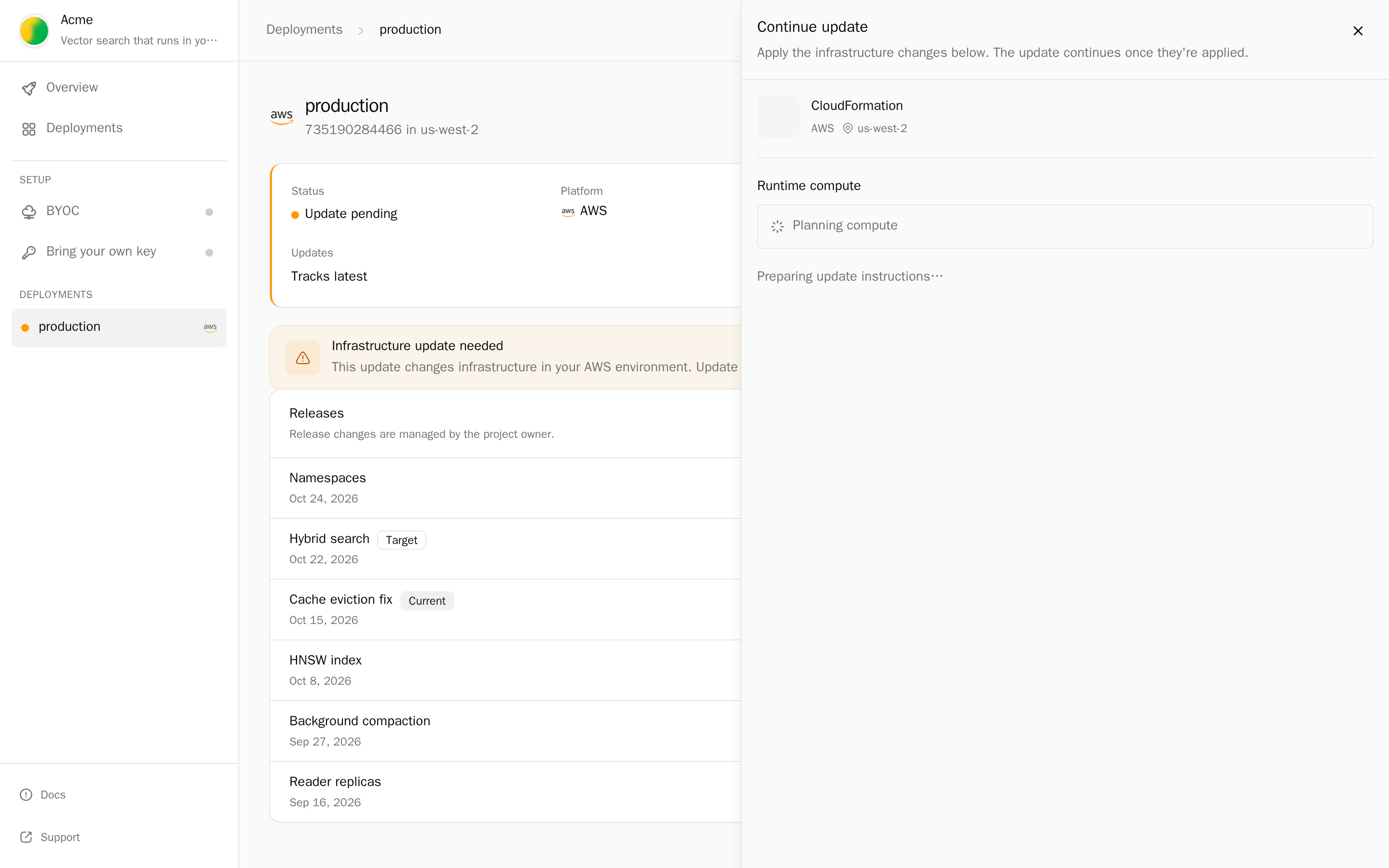
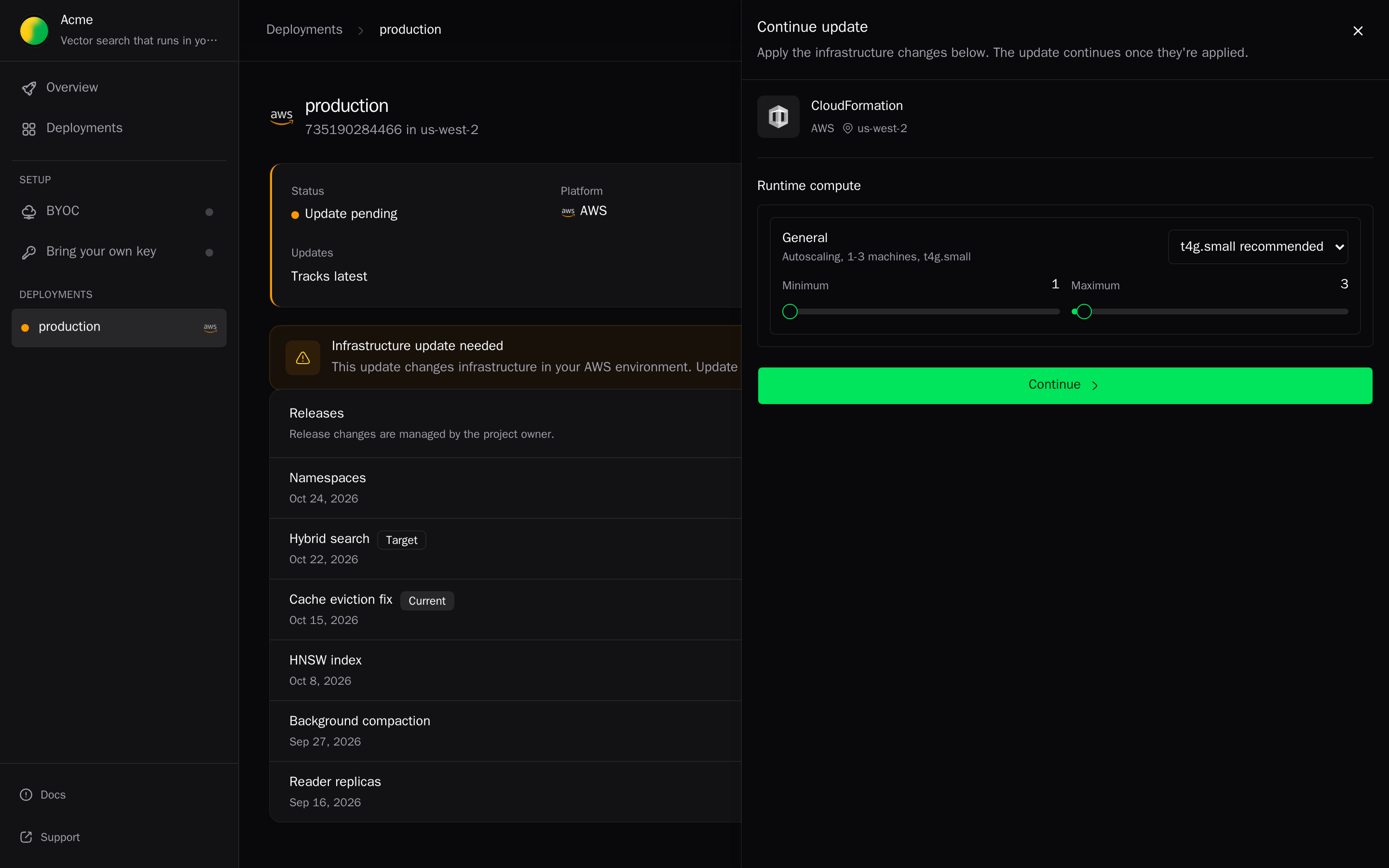
The admin reruns initial setup with their own credentials, in one of these ways:
- from the deployment portal
- with
alien-deploy deploy --setup-update - by updating the CloudFormation stack or Terraform configuration
When the rerun registers with Alien, the held release continues. You don't need to retry. See Releases that need initial setup again.
For deployments in your own cloud account, alien deploy --automatic-setup grants ongoing setup authority, so these changes apply without a rerun.