
Deployments and groups
A deployment is one running copy of the code you ship, in one remote environment such as a customer's AWS account, a Kubernetes cluster, or a Linux server. Your team sees every deployment in one place, with its status and what needs someone to act.
alien deployments list
alien status customer-1/us-east-1
Architecture diagram. Project manages 3 remote environments: customer-1 / us-east-1 (customer AWS account), push · IAM role; customer-2 / main (customer Kubernetes), pull · https 443; acme / eu-west-1 (your own account), push · IAM role.
Refer to a deployment by its ID (dep_…) or as <group>/<name>, where the group is its deployment group, usually one per customer. Each one follows a channel, a named pointer to one release such as production. See Roll out releases.
Alien updates a push deployment through a cloud identity the customer granted. A pull deployment fetches its updates from Alien over outbound HTTPS. See Push, pull, and air-gapped.
Find a deployment
In the dashboard, open Deployments. Filter by status, environment, or deployment group, or search by name.
From the CLI, alien deployments list lists them and alien deployments get <deployment> (or alien status <deployment>) shows one. Add --json for the full record.
Statuses
The status says where the deployment is in its lifecycle. The groups match the dashboard's status filter:
| Group | Statuses | What it means |
|---|---|---|
| Running | Running | The deployment applied its target release. |
| Pending | Pending, Update pending, Delete pending, Waiting for machines, Waiting for secrets | Work is queued, or the deployment waits for something outside Alien. |
| In progress | Initial setup, Provisioning, Updating, Deleting, Teardown required | Alien, the Alien Operator (the process that runs a pull deployment), or the customer's admin is changing the environment. |
| Failed | Preflights failed, Initial setup failed, Provisioning failed, Update failed, Refresh failed, Delete failed, Teardown failed, Error | A step failed. The previous release keeps serving while an update is failed. |
Retry a failed deployment with Retry on its page, or from the CLI:
alien deployments retry customer-1/us-east-1retry resumes a failed deployment. To apply the same release again to one that isn't failed, use Redeploy or alien deployments redeploy <deployment>:
- It deploys the release the deployment should run, with the latest environment variables.
- Its services may restart.
--waitwaits for it to finish, 10 minutes by default.
Some initial setup failures need the customer's credentials to retry. The dashboard marks those For the deployment owner. See Troubleshooting for each status.
Needs attention
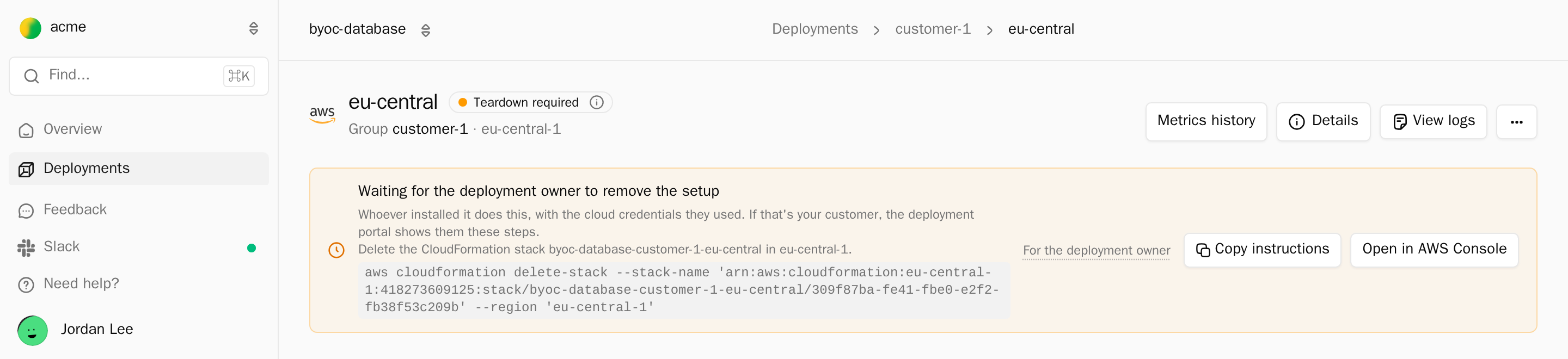
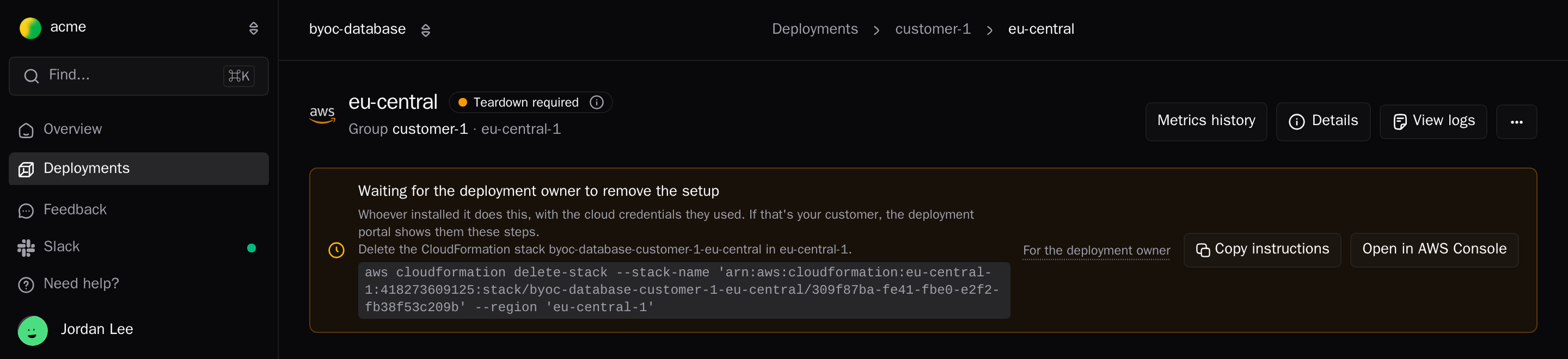
The deployment page lists what needs someone to act, one item per problem. Each item says who acts: For your team or For the deployment owner (the customer's admin).
| Item | Who acts | What to do |
|---|---|---|
| A failed status | Your team, or the owner for initial setup failures | Read the error, fix it, and retry. |
| Update not confirmed | Your team | The rollout was accepted but not confirmed in time. Select Check again. |
| Setup update needed / Infrastructure update waiting on the deployment owner | Owner | The release changes what initial setup owns. The owner reruns initial setup. See Held releases. |
| Deployment input needed | Your team, or the owner for their secrets | Provide the missing input. |
| Waiting for the deployment owner to remove the setup | Owner | The owner deletes the setup stack to finish teardown. |
| Not reporting | Your team | Heartbeats stopped. Check logs and the environment. |
| Customer key unavailable | Owner | The owner restores access to their key. Resources are kept and recover. |
Ready and healthy
Status and health answer different questions. Health comes from heartbeats: periodic reports each deployment sends to Alien about its resources and replicas.
| Signal | Source | Question it answers |
|---|---|---|
| Ready | Deployment status | Is the deployment Running with its target release applied? |
| Healthy | Heartbeats | Are its resources and replicas working right now? |
- A deployment can be Running and still have unhealthy replicas.
- A deployment whose last heartbeat is older than 5 minutes shows Not reporting. Its status is only its last report.
- A healthy replica of the old release doesn't prove that the new release rolled out.
alien deployments wait --for ready checks both: it returns when the deployment is Running and its current release equals its desired release. See Verify a rollout.
Inventory
Alien keeps a current picture of each deployment from its heartbeats:
- Resources: every resource in the stack and its state.
alien deployments resources <deployment> --jsonreturns a summary without configuration or secrets. - Compute: replicas per Container, Worker, or Daemon, with health. Operations → Compute shows them across deployments.
- Machines: hosts connected to a Machines deployment.
alien deployments machines <deployment>. - Events: recent lifecycle events.
alien deployments events <deployment>. - Network: public endpoints, and under Outbound IP the public addresses traffic leaves from (
egressPublicIps). Give those to services that allowlist by IP. A deployment on the customer's own network shows Uses the customer's network instead. - Observed resources: on a Remote Operator installation, the workloads, pods, images, versions, and CPU and memory the Remote Operator container can see.
Inventory is the latest report. Treat stale inventory as a reporting problem first, not proof that a resource is down.
For history, Metrics history on the deployment page charts each replica over a range from the last hour to the last 30 days (GET /v1/deployments/{id}/metrics-history):
- CPU and memory
- in-flight requests and requests per second
- 2xx, 4xx and 5xx responses per second
- p95 and p99 latency
History is kept for 30 days, best effort.
Deployment groups
A deployment group holds one customer's deployments, or one of your own environments. Create one group per customer.
alien onboard customer-1 --external-id org_8f2kThis creates the group and prints a setup link for the customer's admin. Your product can do the same through the API, for example from a Deploy button. See Launch the portal from your product.
A group has:
- a name
- an optional External ID: your own tenant ID, case-sensitive
- a deployment limit, 100 by default, shown as Capacity used
List and inspect groups from the CLI. customers is an alias:
alien deployment-groups list
alien deployment-groups get customer-1
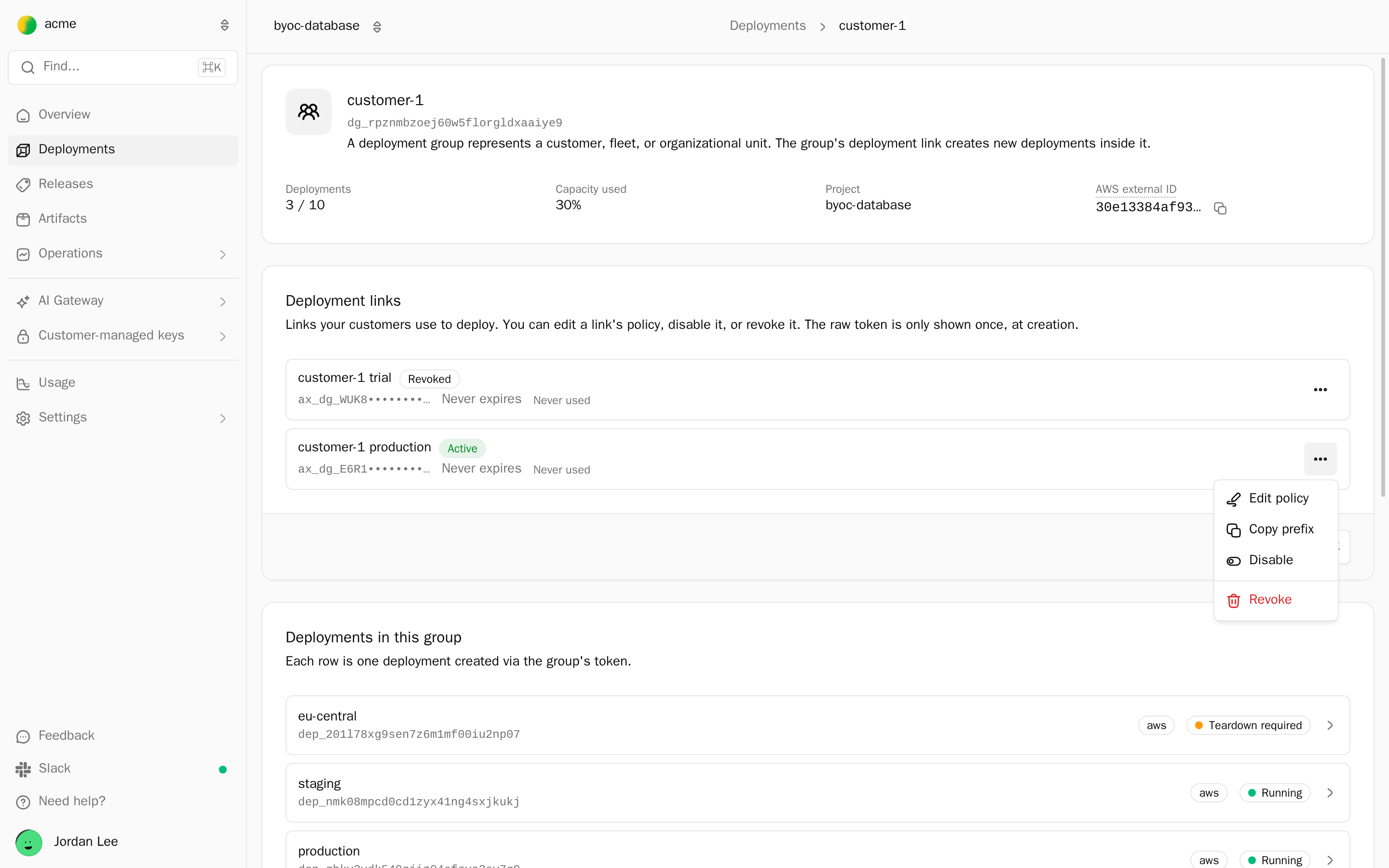
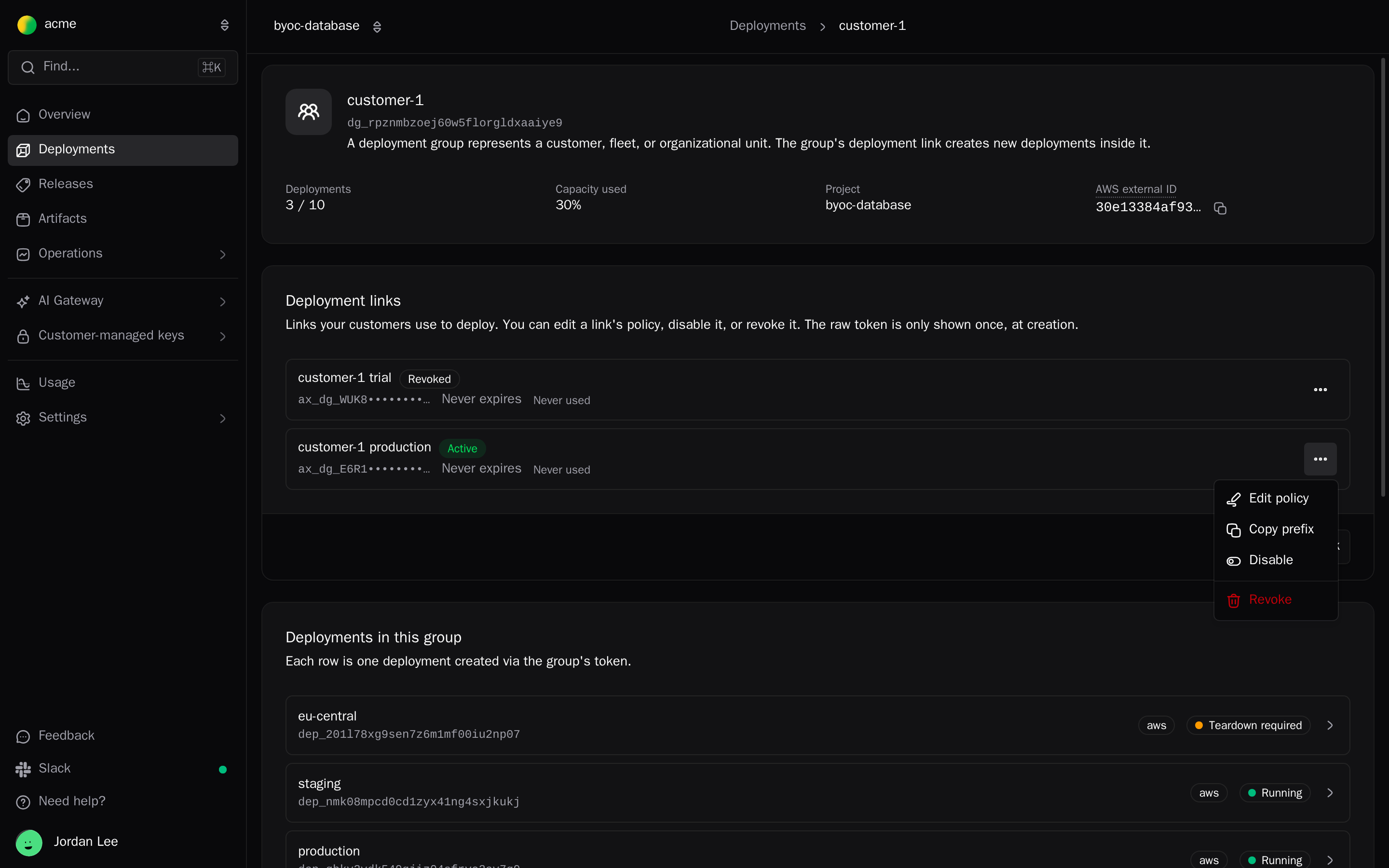
The group page shows Deployments in this group and the Deployment links card, where you generate, disable, or revoke setup links. Delete deployment group removes the group and any tokens issued for it. Existing deployments keep running.
Move a deployment
A move changes only which group a deployment belongs to. Nothing is redeployed. Preview it first:
alien deployments move customer-1/us-east-1 --deployment-group dg_3m9x --dry-runIn the dashboard, open the deployment's … menu and choose Move deployment. A move works when:
- the deployment is a Machines deployment set up with the CLI
- it's in
runningorrefresh-failed - no update, command, debug session, or maintenance is in progress
- the destination group is in the same project, has room under its max deployments, and has no deployment with the same name
Otherwise the move fails with DEPLOYMENT_MOVE_CONFLICT, which lists each reason.
Objects
| Object | What it is |
|---|---|
| Workspace | Your team. Holds members, billing, and integrations. |
| Project | One product, defined by one alien.ts. Holds releases and channels. |
| Deployment group | One customer or tenant, or one of your own environments. |
| Deployment | One running copy of your code in one environment. |
Next
Private managers
Run the Alien manager in your own AWS, Google Cloud, or Azure account so deployment traffic and logs stay in your cloud.
Follow a deployment
Watch a customer's initial setup and the deployment after it from the dashboard or the CLI, and know when to step in and when the admin must act.